eSIM for flying with a pet
You land, and your phone is already online. No queue for a SIM card, no hunting for Wi‑Fi, and your pet gets home sooner
Find a plan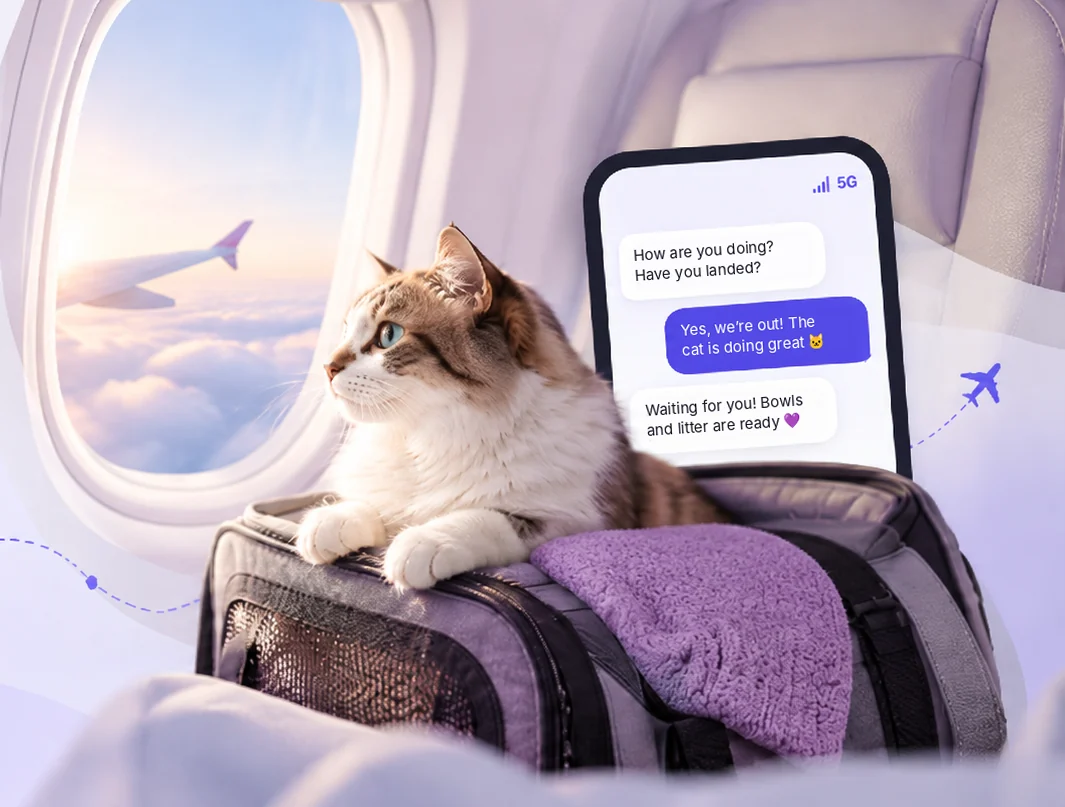
Don’t lose your first minutes after landing
Without a connection, small problems quickly turn into stress, especially with a tired pet beside you
- SIM cardA queue and a hunt for a phone shop in arrivalsA queue for a SIM card in arrivalsCalm
- TaxiNo way to book a car or tell the driver about your petNo way to book a car or mention your petConfidence
- StayYou can’t tell your host you are on the wayYou can’t tell your host you’re comingControl
- Wi-FiAirport Wi-Fi fails or wants a local numberAirport Wi‑Fi doesn’t workFreedom
- RoamingUnknown price and a bill after the tripUnknown price and a bill after the tripPredictability
With an eSIM you are online right away
- Message your host
- Book a taxi
- Open pet documents
Your first hour in a new country
Without eSIM
- 1Landing, no signal
- 2Passport and vet control
- 3Finding a phone shop, queue, paperwork with your passport
- 4Setting up the SIM while your pet waits in the carrier
- 5A taxi, if you are lucky with the driver
With eSIM
- 1Landing, the phone connects by itself
- 2Taxi booked while you walk to control
- 3Passport and vet control
- 4Bags, exit, the car is waiting
- 5Home: water bowl, litter box and rest
Airalo plan calculator
Pick a country, trip length and how much data you need. We will show the cheapest matching plan at current Airalo prices
Loading plans…
How to get an eSIM ready for the flight
- 1Check your phoneMost recent phones support eSIM. Look in your mobile settings for an "Add eSIM" option. The phone must not be carrier-locked
- 2Install at homeBuy and install the eSIM at home over Wi-Fi a few days before the flight. If the plan starts when it connects in the country, it will not start early
- 3Turn it on after landingAfter landing, choose the eSIM for mobile data and turn on data roaming for it. Keep your main SIM for calls and bank texts
- 4Save key things offlineJust in case, keep pet documents, the address and your host’s number on the phone itself, not only in the cloud
1Check your phone
Most recent phones support eSIM. Look in your mobile settings for an "Add eSIM" option. The phone must not be carrier-locked
2Install at home
Buy and install the eSIM at home over Wi-Fi a few days before the flight. If the plan starts when it connects in the country, it will not start early
3Turn it on after landing
After landing, choose the eSIM for mobile data and turn on data roaming for it. Keep your main SIM for calls and bank texts
4Save key things offline
Just in case, keep pet documents, the address and your host’s number on the phone itself, not only in the cloud
Other ways to stay connected
Airalo works for a trip to one country or across a region, but it is not the only option. Here is a short look at the others and who they suit
FAQ
Will I keep my number?
Yes. A travel eSIM gives you data only, and your main SIM stays in the phone. Bank texts will arrive if roaming is on for it
Can I share data with a laptop?
Usually yes, hotspot works as with a regular SIM. Any limits are listed in the plan details
What if I run out of data?
Many Airalo plans can be topped up in the app. You can also buy a second plan
Why are prices in dollars?
Airalo lists prices in US dollars. If you pay in another currency, your bank converts the amount at its rate